Home / Guides / Poses and emotes
Ishin Roblox Student ID Poses and Emote Controls
In Ishin the word pose first means the student-ID photo you pick while creating the character. The board says that choice cannot be changed yet. Emotes are a different control.
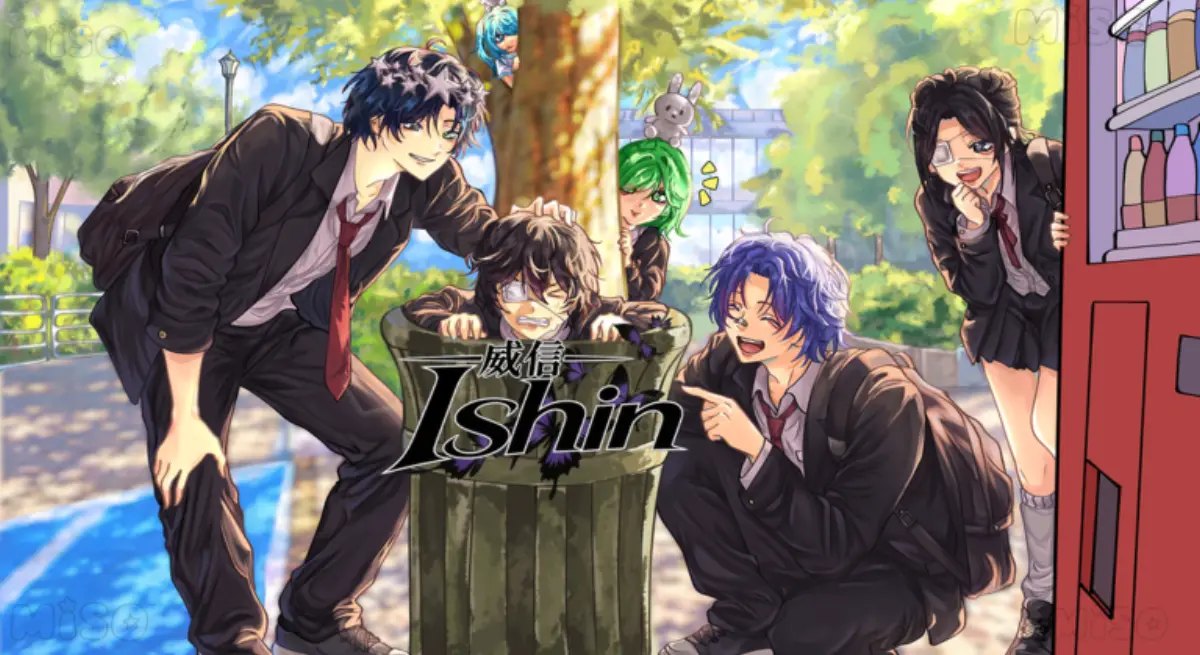
Student ID versus the emote button
The how-to-play card says the ID pose is chosen at creation and is currently not changeable, with a later update planned to add the change. I quote that limit instead of writing a menu path that does not exist.
Emotes use G on a keyboard and the right direction on a controller, from the controls card. The map has an Emote Shop place. The card does not list the stock or a Yen price, so I will not say the shop sells a named emote for a named price.
| Thing | How you reach it | Status | Source |
|---|---|---|---|
| Student-ID pose | Character creation | 1 primary source · fixed at creation | Board |
| Emote | G, or right on the pad | 1 primary source | Board |
| Emote Shop | A place on the map | 1 primary source · place listing | Board place card |
Related pages
FAQ
How do I change my Ishin student photo?
The board says the pose chosen at creation is not changeable yet. Emotes are the G key, which is a different feature.
Sources
- Ishin public Trello board — checked 2026-11-07
- Character creation and ID pose card (1 primary source) — checked 2026-11-07
- Keyboard and controller card (same board) — checked 2026-11-07
Play link: https://www.roblox.com/games/95132192110941/Ishin