Ishin Roblox Hair: Color, Cuts, Custom Hair
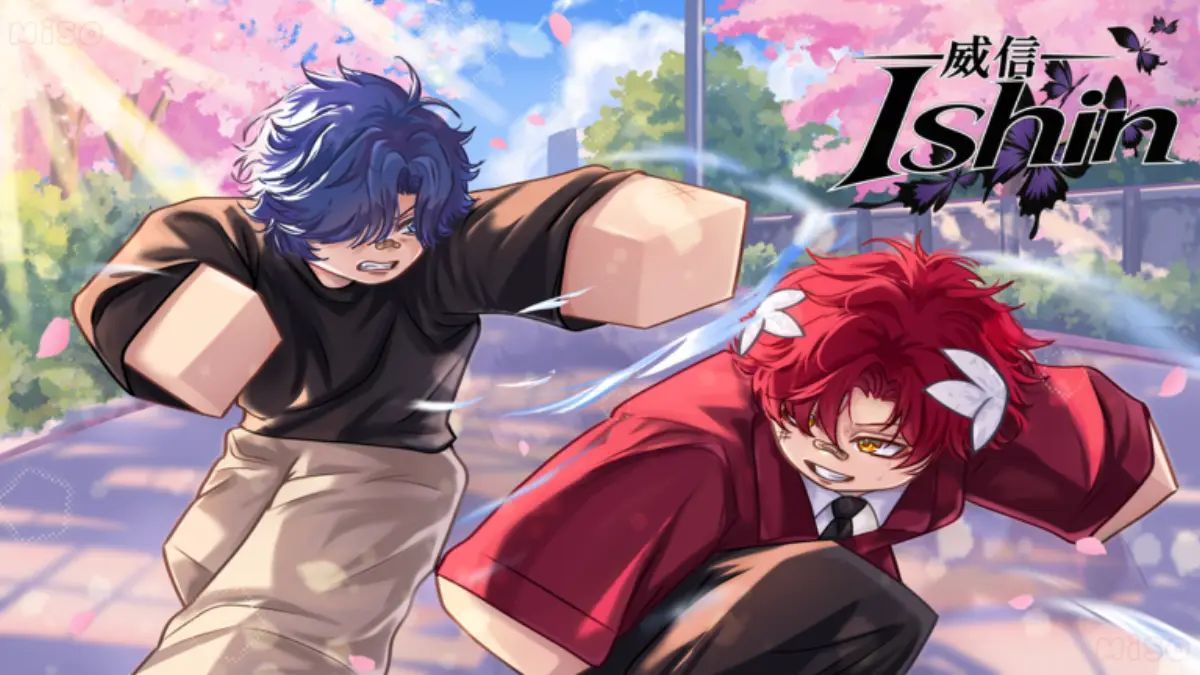
Change Ishin hair color at the town salon, take a salon chair for a haircut, or use the Custom Hair pass to wear your Roblox avatar’s hair.
Where the salon is and who cuts
The board has a Barber Shop place and an NPC named Salve who hires players as barbers. The Ishin Wiki says the town salon both dyes hair and seats you for a cut by a player or by the NPC. Hair and color are also chosen on the character screen, along with the student-ID pose.
Custom Hair is a 49 Robux pass. The board and both wikis describe it the same way: the Roblox avatar’s own hair is used on the Ishin character. Accessory position is a different pass and lives on the gamepass page.
| Change | What is documented | Status |
|---|---|---|
| Hair color | Salon dye, repeatable | 2 sources |
| Haircut | Sit in a salon chair | 1 source · salon chair |
| Avatar hair | Custom Hair pass, 49 Robux | Board and wikis |
The revert question
People ask how to undo a haircut. The only action I can point to is the chair. I will not invent a reset item, a second NPC, or a menu tick. If a later board card adds one, this page should grow a row. Until then the honest answer is that the public record stops at the chair.
Related pages
FAQ
Can I get my old Ishin haircut back?
Color can be dyed again at the salon. A published reset for a finished cut is not in the sources I used.
Sources
- Ishin public Trello board — checked 2026-11-07
- Ishin Wiki — checked 2026-11-07
- Ishin Roblox Wiki gamepasses — checked 2026-11-06
Play link: https://www.roblox.com/games/95132192110941/Ishin